Which problem are you trying to solve?
Use the table to choose which detail to inspect first.
| What you notice | Start here |
|---|---|
| You cannot find the business by its name and city | Checks 1 and 2: identify the listing and your access |
| People find the listing but see the wrong details | Checks 3–6: location, hours, contact details, and services |
| You appear by name but not for a nearby service search | Check the full listing, then review the local-ranking explanation in check 1 |
| People inquire, but few become customers | Check the contact and reply process; the listing alone cannot explain the outcome |
The seven checks
1Can you find the right business listing?
Search for your business name and city. Check that the result describes your business and uses the name customers recognise.
If you see more than one listing for the same business, note the duplicates before creating anything new. A second listing can make it harder to tell which information is current.
Finding your business by name is a useful first check. It does not mean you will appear in the same position when someone searches for a service such as “talyer near me.” Google says local results depend mainly on relevance, distance, and prominence.
2Can you manage the information?
A listing may appear publicly even if you have not taken control of it. Check whether you can access it through the Google account you use for your business.
If you need to claim or verify the profile, follow the options Google provides. Those options vary. An agency can help you prepare, but it cannot choose Google’s verification method or promise when approval will arrive.
Keep control of your business account. When someone helps manage the listing, use the platform’s access roles rather than handing over your password.
3Does the location match where customers should go?
Check both the written address and the map pin. For a storefront, look at whether the listing helps someone reach the actual entrance.
Think of a first-time visitor. Is the shop inside a building? Is the entrance on a different street? Would a clear storefront photograph help them recognise it?
If you travel to customers instead of receiving them at a public storefront, check the appropriate service-area setup for your business. Do not publish an address simply to make the profile look more complete.
4Are the opening hours accurate?
Compare the listing with the hours your business actually follows. Check regular hours and any special closures or changes.
For an appointment-based business, make the appointment process clear as well. Being open does not necessarily mean there is an available slot.
If your schedule changes, include the listing in the places you update. Customers should not have to choose between conflicting information on Google and Facebook.
5Do the contact details work?
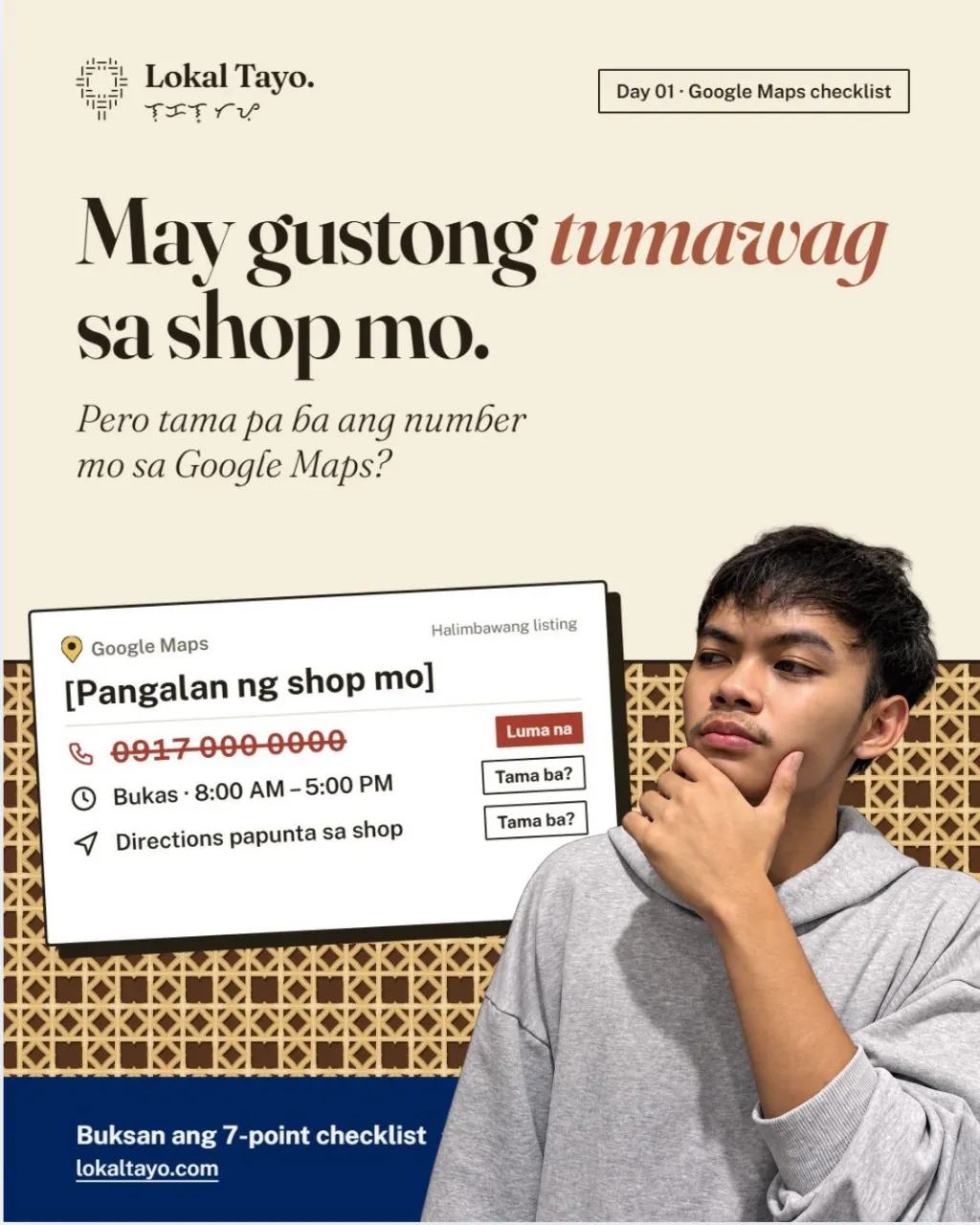
Check the phone number and website link. Make a test call or open the page to confirm that the next step works.
Then think beyond the button. Who answers inquiries? What happens when that person is busy? Is it clear how someone should ask about a service?
A working number and a clear reply process belong together. The listing gets someone to the next step; your business still needs to handle that inquiry.
6Does the listing explain what you actually do?
Read the business category and service information. Would a new customer understand whether you offer what they need?
A repair shop might need to clarify which kinds of work it handles. A salon might need to distinguish appointment services from walk-ins. A clinic might need a clear explanation of its appointment process.
Use accurate details. Describe the business as it operates today, and remove services you no longer provide. Google recommends complete, accurate information to help it understand and match a business to relevant searches.
7Do the photos and reviews help someone assess the business?
Look at the listing’s photographs. Can someone recognise the storefront? Do the pictures show the current business and the work or services you offer?
Then review the feedback. Reply courteously where a response would help, and keep personal customer information out of public replies.
If you invite customers to leave a review, make it optional and ask for their honest experience. Do not offer discounts for reviews or invite only people you expect to leave a positive rating.
ExampleIllustrative example — not a client audit or a claim about a real shop.
A repair-shop example: what would you fix first?
Suppose a repair shop has an old phone number on its listing, a pin at the correct entrance, and a photograph of a sign it has since replaced.
The first action is to correct the phone number and check the public listing after the change is approved. The next is to replace the outdated photograph. Record both actions. Neither change, by itself, proves that more customers arrived.
What the check found
Phone number
An old number is still listed
Fix first
Map pin
At the correct entrance
Correct
Storefront photo
Shows a sign the shop has replaced
Fix next
The useful question
“Which detail is making it harder for a customer to reach or recognise us?”
Your checklist and first action
Mark each item correct, needs attention, or not sure. This is a working list, not a percentage score.
Fix first
Anything that sends a customer to the wrong place, gives them an unusable contact route, or misstates when they can visit. If you cannot make those changes, resolving owner access becomes the first step.
Then improve
Service descriptions, current photographs, and thoughtful review handling.
Check afterward
Confirm which changes are publicly visible and record the date. Keep inquiry and job records separately; a click or direction request is not proof of a visit or sale.
How can you put this into practice?
Use the worksheet or template as a working record. Replace bracketed fields with confirmed information before using a template publicly; blank spaces are for your own notes. The examples are illustrations, not findings from a client engagement.
-
Check the listing and your authorised access.
Open the relevant public information and keep the current version beside your notes. Ask the responsible business person to confirm any fact you cannot establish, including the location, contact route, or account arrangement.
-
Prioritise location, hours, and working contact details.
Write the specific discrepancy and the accurate replacement or unanswered question. Keep a task owner and supporting evidence with it so the next person understands exactly what needs attention.
-
Recheck public changes and record the next action.
After the authorised action, inspect the customer-facing result. Record the date, what is correct, and what remains pending. An edited field and an approved public change may be different stages.
What is your next step?
Not sure which listing detail needs attention first?
Start with a free check of one business location.
On the contact form, choose “Not sure yet — tell me what to fix first”. When we get in touch, share the business name, area, and the issue you want to discuss.
What the free check covers
- A review of the publicly visible listing details
- Up to three priorities
- What you can act on yourself
- If the basics are accurate, we’ll say so
Frequently asked questions
Can I do these checks myself?
Yes. Inspect public information first, then use authorised account access for changes. Resolve uncertain ownership or verification through the appropriate official process.
Will a complete listing put me first on Maps?
No. Accurate information helps describe the business, but it does not guarantee a search position or a specific number of customers.
Sources and method
MethodPrepared from the stated sources where applicable and an original editorial worksheet. No first-hand client test, professional review, or measured conversion improvement is claimed. Examples and numerical illustrations are labelled beside their use.