What should the pinned information post solve?
Choose the closest situation to see which part of the guide to inspect first. You can change your answer at any time.
Quick guide
Three checks before making a change
1What should a visitor learn in one place?
Put the practical essentials together: what you offer, where you operate, when customers can contact or visit you, and what to do next. An information post should help someone act without scrolling through weeks of unrelated updates.
Decide which details change frequently. A temporary promotion may be better kept separate from the core information so it can expire without leaving the main post misleading.
2What can you put in the post?
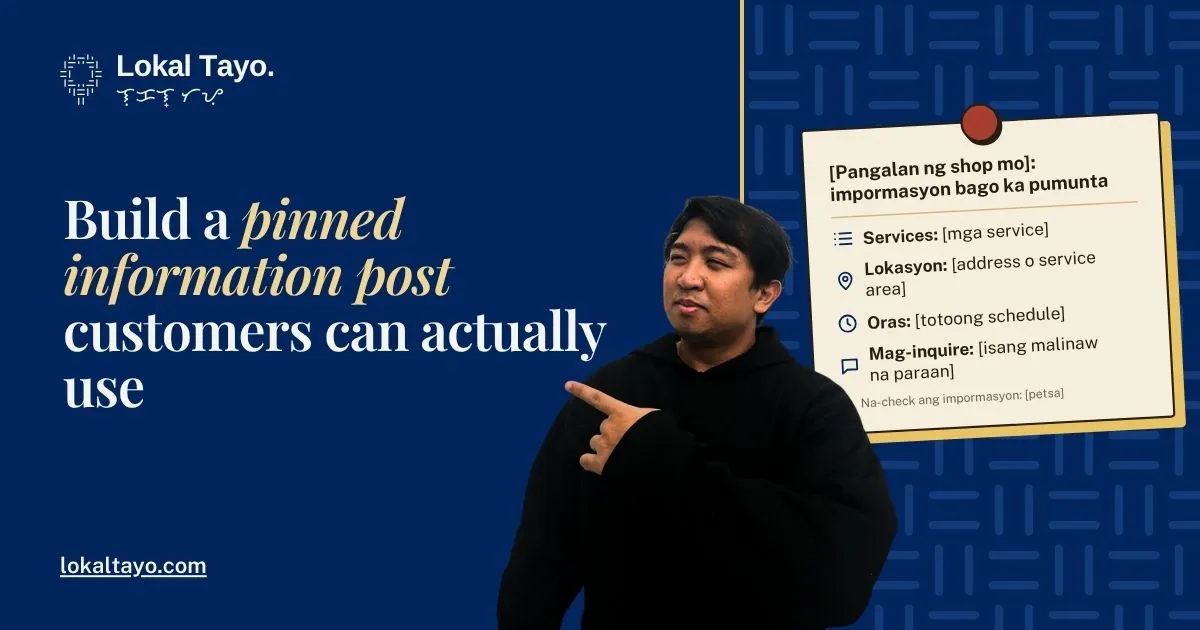
[Business name]: information before you visit or inquire
Services: [confirmed main services]. Location: [address or service area]. Hours: [actual schedule]. To inquire: [one clear instruction]. For [appointments / assessments], please [confirmation step]. Information checked: [date].
| Detail | Check before publishing |
|---|---|
| Services | Still offered and accurately named |
| Location | Matches the entrance or actual service arrangement |
| Hours | Distinguishes opening from appointment availability |
| Contact route | Tested by someone on the team |
| Images | Readable and consistent with the text |
3How do you keep the post useful?
Use the current page interface to make the information easy to find; available presentation options can change. Check the public mobile view after arranging it. Someone who can manage the page may see controls that a visitor does not.
Illustrative exampleNot a client audit
A bakery centralises order details
A bakery places its order instructions, collection address, and actual contact hours in one information post. Daily product updates can point back to it. When the collection arrangement changes, the owner updates the central explanation and checks older posts that still give the previous instructions.
What to check
Your worksheet and first action
Mark each check correct, needs attention, or not sure. Your answer stays on this page and is not sent to Lokal Tayo.
This worksheet is a decision aid. Confirm facts with the person responsible for the business before changing public information.
How can you put this into practice?
Use confirmed business information and keep a short record of what you changed and rechecked.
-
Gather the essential customer information.
Collect the approved service list, location, hours, and inquiry process in one place before assembling the public post.
-
Publish one clear information post.
Fill the template with current facts and make the information easy to find using the page's available presentation options.
-
Assign an owner for future changes.
Name the person responsible for updates and identify triggers such as service changes, new hours, or revised contact arrangements.
What is your next step?
Want a clearer information post as part of your Facebook content plan?
Talk to Lokal Tayo about a Facebook content plan built around your actual services and customer questions. Start with the part you want to make clearer; agree the work and scope before deciding whether to proceed.
On the contact form, choose “Social media marketing and management”. Share the business name, area, and issue when we get in touch.
The conversation can cover
- Gather the essential customer information.
- Publish one clear information post.
- Assign an owner for future changes.
Frequently asked questions
Should prices appear in the information post?
Include them when the business can keep them accurate and explain inclusions or conditions. Otherwise, provide a clear route to the current price information without making a misleading promise.
How often should I review it?
Review it whenever a listed fact changes, and assign a regular check appropriate to the business. A date is useful only if someone actually reviewed the information then.
Sources and method
The worksheet and examples in this guide are original editorial tools. They do not claim measured customer results or a surveyed market benchmark.
Prepared from the stated sources where applicable and an original editorial worksheet. No first-hand client test, professional review, or measured conversion improvement is claimed. Examples and numerical illustrations are labelled beside their use.